Access Index in For Loop es para listas
Introduction:
- In Python, you can use the
enumerate()function to access both the index and the element during iteration in aforloop. This is particularly useful when you need the position of the element in the list as you iterate through it.
How enumerate() Works:
- The
enumerate()function adds a counter to an iterable and returns it as an enumerate object. This enumerate object can be used directly in aforloop to get both the index and the element.
Syntax:
Here’s the basic syntax of using
enumerate()in aforloop:pythonfor index, element in enumerate(iterable): # your code
Example:
- Iterate Over a List and Access Index and Element:
- This example demonstrates how to use
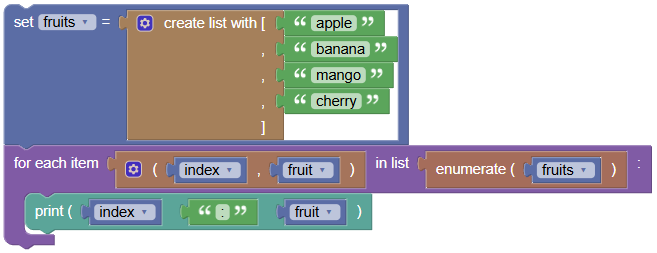
enumerate()to access both the index and the element of a list. Python Program:
 python
fruits = ['apple', 'banana', 'mango', 'cherry'] for index, fruit in enumerate(fruits): print(index, ':', fruit)Output:
0 : apple
1 : banana
2 : mango
3 : cherry
- This example demonstrates how to use
Exercises:
- Print Indices and Elements of a List of Numbers:
Write a program to print the indices and elements of the list
[10, 20, 30, 40].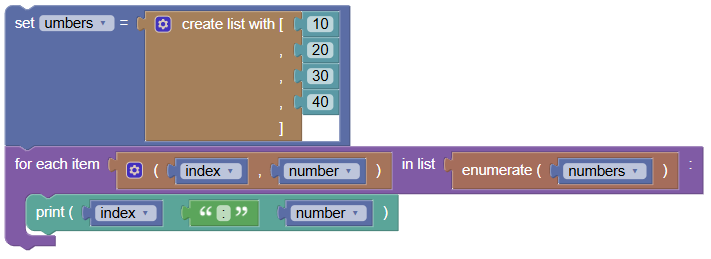 python
numbers = [10, 20, 30, 40] for index, number in enumerate(numbers): print(index, ':', number)
- Modify Elements of a List Using Indices:
Write a program to modify each element in the list
['a', 'b', 'c', 'd']by appending its index to it.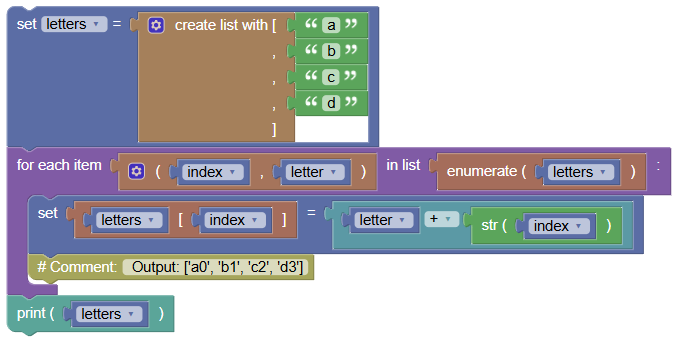 python
letters = ['a', 'b', 'c', 'd'] for index, letter in enumerate(letters): letters[index] = letter + str(index) print(letters) # Output: ['a0', 'b1', 'c2', 'd3']
- Sum Elements with Their Indices:
Write a program to create a new list where each element is the sum of its value and index from the list
[5, 10, 15, 20].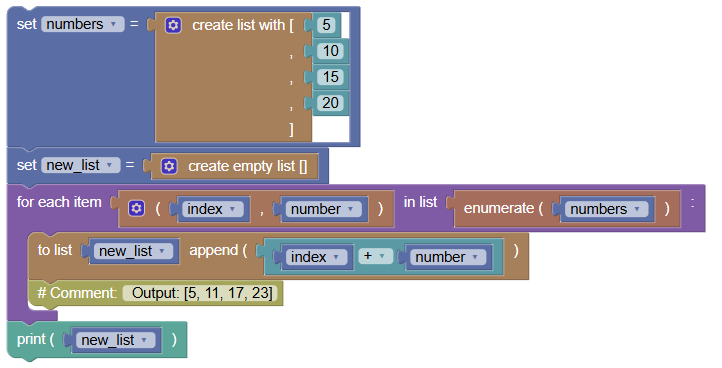 python
numbers = [5, 10, 15, 20] new_list = [] for index, number in enumerate(numbers): new_list.append(index + number) print(new_list) # Output: [5, 11, 17, 23]
Summary:
- In this tutorial, we learned how to use the
enumerate()function to access both the index and the element during iteration in aforloop. This technique is useful for various tasks that require working with both the positions and values of elements in a list. Practice these examples to get comfortable with usingenumerate()in your Python programs!