Keyword arguments to function **kwargs
Introduction:
- The
**kwargsparameter in a function allows the function to accept any number of keyword (named) arguments. - The datatype of
kwargsis a dictionary, which means keywords and their respective argument values are stored as key:value pairs.
**Example: Python kwargs:
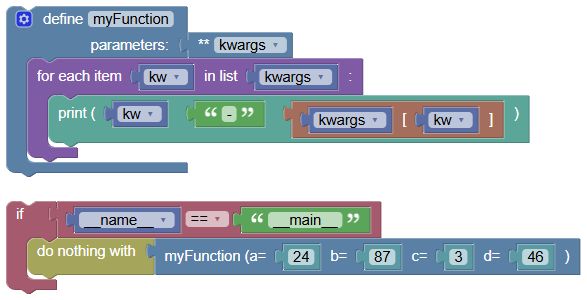
Let's demonstrate a simple use case where we create a function that can accept any number of keyword arguments.
python
def myFunction(**kwargs):
    for kw in kwargs:
        print(kw, '-', kwargs[kw])

if __name__ == "__main__":
    myFunction(a = 24, b = 87, c = 3, d = 46)
Output:
a - 24
b - 87
c - 3
d - 46kwargs is Just a Parameter Name:
- You can use any name instead of
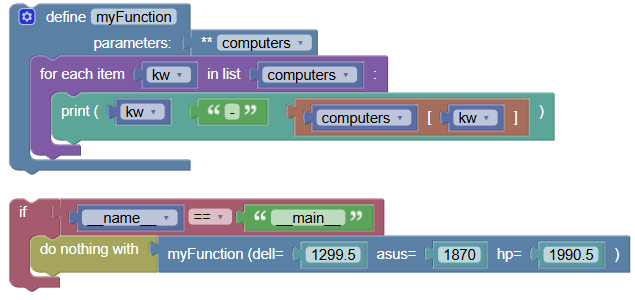
kwargs. The important part is the double asterisks**, which indicates that this parameter will accept any number of named arguments. Example using a different name:
 python
def myFunction(**computers): for kw in computers: print(kw, '-', computers[kw]) if __name__ == "__main__": myFunction(dell = 1299.50, asus = 1870.00, hp = 1990.50)
Output:
dell - 1299.5
asus - 1870.0
hp - 1990.5kwargs is a Dictionary:
- The datatype of
kwargsis a dictionary. You can use all the dictionary methods onkwargs. Example using
dict.items()method: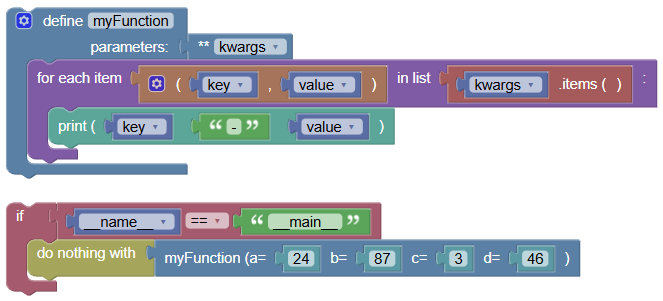 python
def myFunction(**kwargs): for key, value in kwargs.items(): print(key, '-', value) if __name__ == "__main__": myFunction(a = 24, b = 87, c = 3, d = 46)
Output:
a - 24
b - 87
c - 3
d - 46**Using kwargs with Other Parameters:
You can use
**kwargsalong with other parameters in your function definition.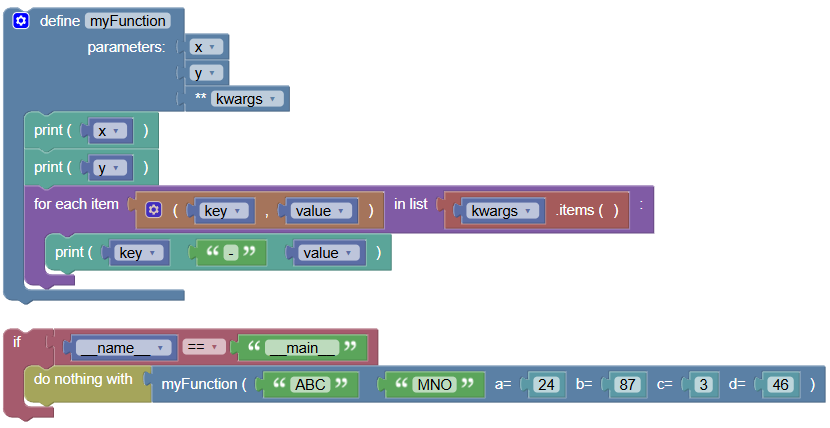 python
def myFunction(x, y, **kwargs): print(x) print(y) for key, value in kwargs.items(): print(key, '-', value) if __name__ == "__main__": myFunction("ABC", "MNO", a = 24, b = 87, c = 3, d = 46)
Output:
ABC
MNO
a - 24
b - 87
c - 3
d - 46**Using *kwargs with args:
- While
**kwargsaccepts any number of named arguments,*argsaccepts any number of positional arguments. Example using both
*argsand**kwargs: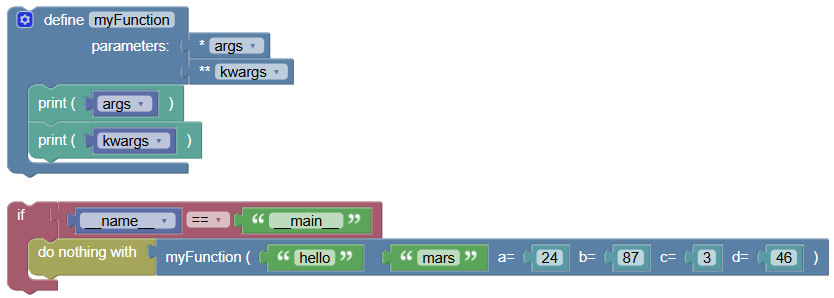 python
def myFunction(*args, **kwargs): print(args) print(kwargs) if __name__ == "__main__": myFunction("hello", "mars", a = 24, b = 87, c = 3, d = 46)
Output:
('hello', 'mars')
{'a': 24, 'b': 87, 'c': 3, 'd': 46}Summary:
- In this tutorial, we learned how to use
**kwargsto accept any number of named arguments in a function. Practice using**kwargsand*argsto create flexible and versatile functions in your Python programs