Pass multiple arguments to function *args
Introduction:
- The
*argsparameter in a function definition allows the function to accept multiple arguments without knowing how many arguments in advance. It lets the function accept a variable number of arguments. - The datatype of
*argsis a tuple. Inside the function, you can access all the arguments passed as*argsusing a for loop or by indexing.
*Example: Python args:
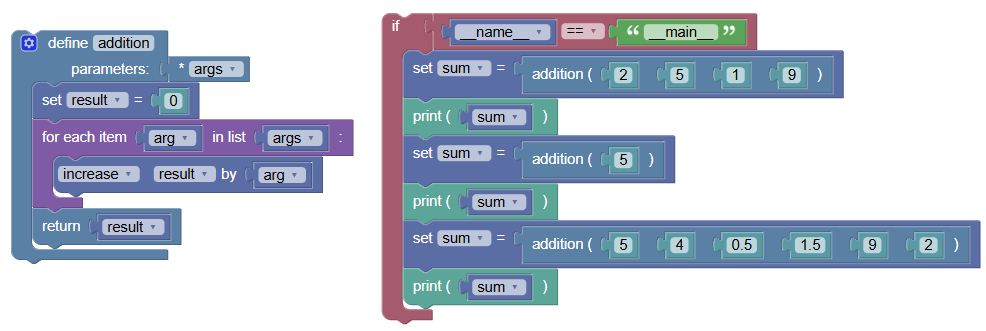
Let's write an addition function that can accept any number of arguments and returns the sum of all these arguments.
python
def addition(*args):
    result = 0
    for arg in args:
        result += arg
    return result

if __name__ == "__main__":
    sum = addition(2, 5, 1, 9)
    print(sum)

    sum = addition(5)
    print(sum)

    sum = addition(5, 4, 0.5, 1.5, 9, 2)
    print(sum)
Output:
17
5
22.0*args in args is Just a Name:
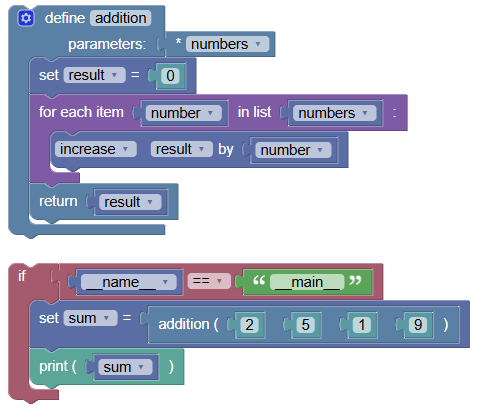
argsis just a parameter name. You can use any name instead ofargs. The asterisk*is the important part, indicating that this parameter will accept a variable number of arguments.Example using a different name:
 python
def addition(*numbers): result = 0 for number in numbers: result += number return result if __name__ == "__main__": sum = addition(2, 5, 1, 9) print(sum)
Output: 17
*args in args is a Tuple:
The datatype of
*argsis a tuple. We can verify this using Python'stype()function.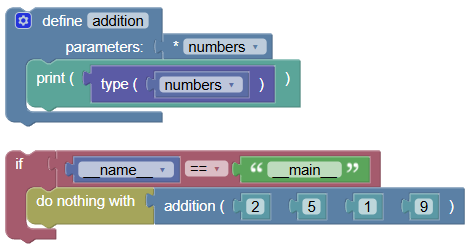 python
def addition(*numbers): print(type(numbers)) if __name__ == "__main__": addition(2, 5, 1, 9)
Output: <class 'tuple'>
*Using args with Other Parameters:
*argscan be used with other parameters in your function definition.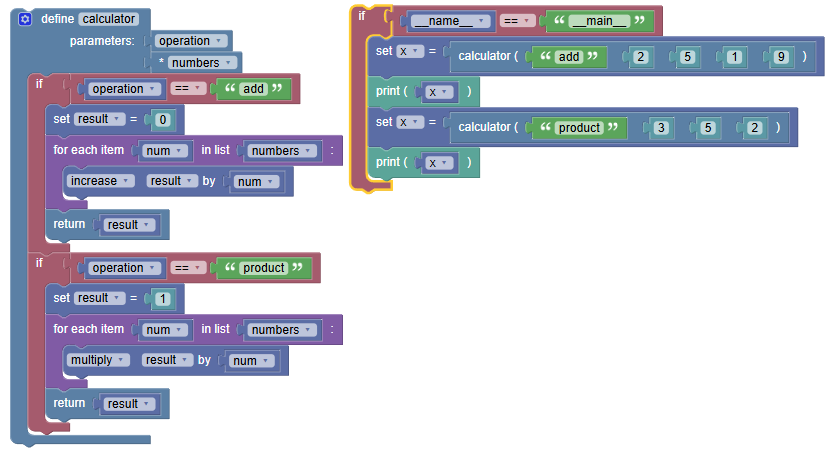 python
def calculator(operation, *numbers): if operation == "add": result = 0 for num in numbers: result += num return result if operation == "product": result = 1 for num in numbers: result *= num return result if __name__ == "__main__": x = calculator("add", 2, 5, 1, 9) print(x) x = calculator("product", 3, 5, 2) print(x)
Output:
17
30**Using *args with kwargs:
*argscan accept any number of positional arguments, while**kwargscan accept any number of named arguments.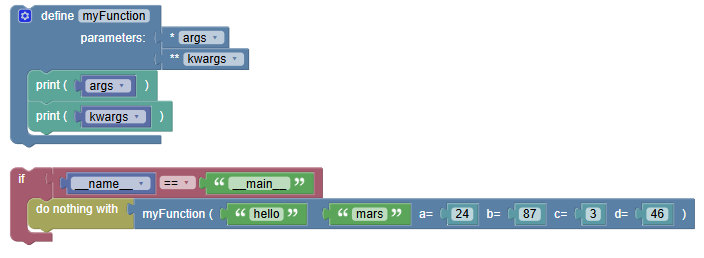 python
def myFunction(*args, **kwargs): print(args) print(kwargs) if __name__ == "__main__": myFunction("hello", "mars", a = 24, b = 87, c = 3, d = 46)
Output:
('hello', 'mars')
{'a': 24, 'b': 87, 'c': 3, 'd': 46}
Summary:
- In this tutorial, we learned how to use
*argsto write functions that can accept any number of arguments. Practice using*argsand**kwargsto create flexible and versatile functions in your Python programs