String Methods
What You'll Learn: In this guide, you'll discover various built-in methods you can use to work with strings in Python. Each method is like a tool that helps you manipulate and explore text.
1. capitalize()
Description: Converts the first character to upper case. Example:
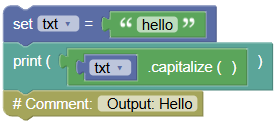
txt = "hello"
print(txt.capitalize())
# Output: Hello
2. casefold()
Description: Converts string into lower case, more aggressive than lower(). Example:
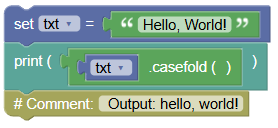
txt = "Hello, World!"
print(txt.casefold())
# Output: hello, world!
3. center()
Description: Returns a centered string. Example:
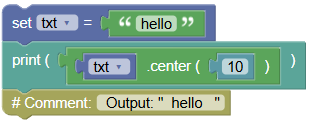
txt = "hello"
print(txt.center(10))
# Output: "  hello   "
4. count()
Description: Returns the number of times a specified value occurs in a string. Example:
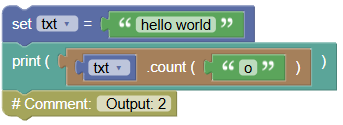
txt = "hello world"
print(txt.count("o"))
# Output: 2
5. encode()
Description: Returns an encoded version of the string. Example:
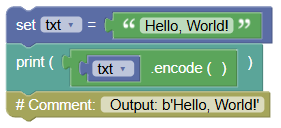
txt = "Hello, World!"
print(txt.encode())
# Output: b'Hello, World!'
6. endswith()
Description: Returns true if the string ends with the specified value. Example:
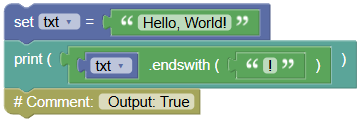
txt = "Hello, World!"
print(txt.endswith("!"))
# Output: True
7. expandtabs()
Description: Sets the tab size of the string. Example:
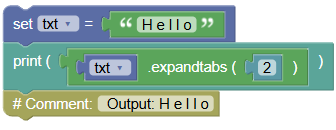
txt = "H\te\tl\tl\to"
print(txt.expandtabs(2))
# Output: H e l l o
8. find()
Description: Searches the string for a specified value and returns the position where it was found. Example:
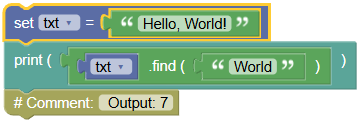
txt = "Hello, World!"
print(txt.find("World"))
# Output: 7
9. format()
Description: Formats specified values in a string. Example:
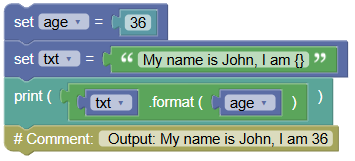
age = 36
txt = "My name is John, I am {}"
print(txt.format(age))
# Output: My name is John, I am 36
10. format_map()
Description: Formats specified values in a string, similar to format(). Example:
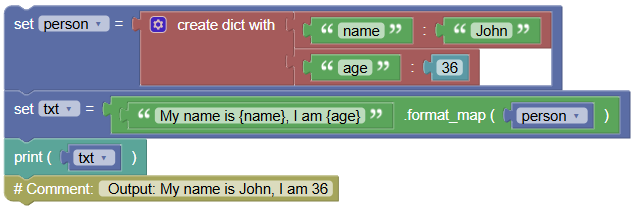
person = {'name': 'John', 'age': 36}
txt = "My name is {name}, I am {age}".format_map(person)
print(txt)
# Output: My name is John, I am 36
11. index()
Description: Searches the string for a specified value and returns the position where it was found. Example:
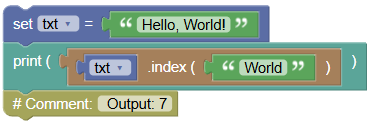
txt = "Hello, World!"
print(txt.index("World"))
# Output: 7
12. isalnum()
Description: Returns True if all characters in the string are alphanumeric. Example:
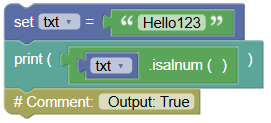
txt = "Hello123"
print(txt.isalnum())
# Output: True
13. isalpha()
Description: Returns True if all characters in the string are alphabetic. Example:
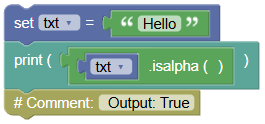
txt = "Hello"
print(txt.isalpha())
# Output: True
14. isascii()
Description: Returns True if all characters in the string are ASCII characters. Example:
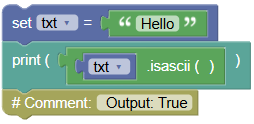
txt = "Hello"
print(txt.isascii())
# Output: True
15. isdecimal()
Description: Returns True if all characters in the string are decimals. Example:
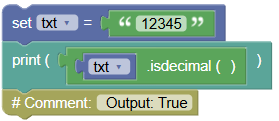
txt = "12345"
print(txt.isdecimal())
# Output: True
16. isdigit()
Description: Returns True if all characters in the string are digits. Example:
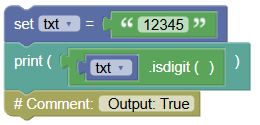
txt = "12345"
print(txt.isdigit())
# Output: True
17. isidentifier()
Description: Returns True if the string is a valid identifier. Example:
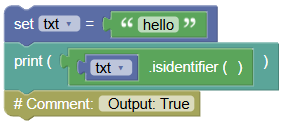
txt = "hello"
print(txt.isidentifier())
# Output: True
18. islower()
Description: Returns True if all characters in the string are lower case. Example:
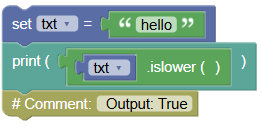
txt = "hello"
print(txt.islower())
# Output: True
19. isnumeric()
Description: Returns True if all characters in the string are numeric. Example:
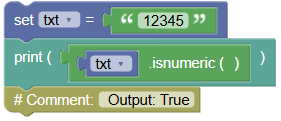
txt = "12345"
print(txt.isnumeric())
# Output: True
20. isprintable()
Description: Returns True if all characters in the string are printable. Example:
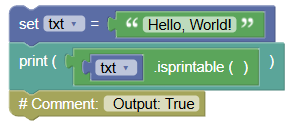
txt = "Hello, World!"
print(txt.isprintable())
# Output: True
21. isspace()
Description: Returns True if all characters in the string are whitespaces. Example:
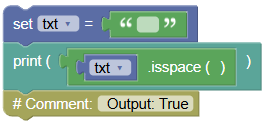
txt = "   "
print(txt.isspace())
# Output: True
22. istitle()
Description: Returns True if the string follows the rules of a title. Example:
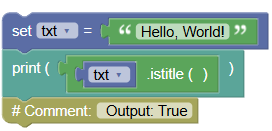
txt = "Hello, World!"
print(txt.istitle())
# Output: True
23. isupper()
Description: Returns True if all characters in the string are upper case. Example:
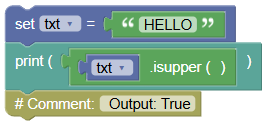
txt = "HELLO"
print(txt.isupper())
# Output: True
24. join()
Description: Joins the elements of an iterable to the end of the string. Example:
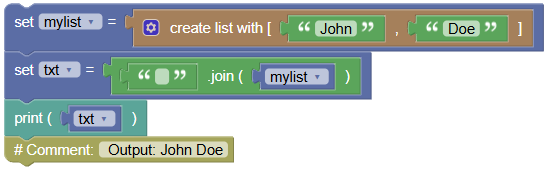
mylist = ["John", "Doe"]
txt = " ".join(mylist)
print(txt)
# Output: John Doe
25. ljust()
Description: Returns a left justified version of the string. Example:
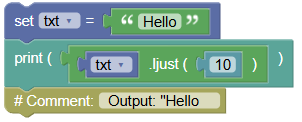
txt = "Hello"
print(txt.ljust(10))
# Output: "Hello     "
26. lower()
Description: Converts a string into lower case. Example:
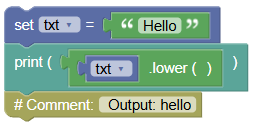
txt = "Hello"
print(txt.lower())
# Output: hello
27. lstrip()
Description: Returns a left trim version of the string. Example:
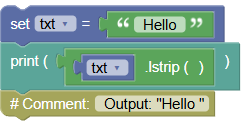
txt = " Hello "
print(txt.lstrip())
# Output: "Hello "
28. maketrans()
Description: Returns a translation table to be used in translations. Example:
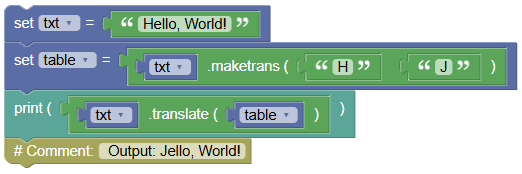
txt = "Hello, World!"
table = txt.maketrans("H", "J")
print(txt.translate(table))
# Output: Jello, World!
29. partition()
Description: Returns a tuple where the string is parted into three parts. Example:
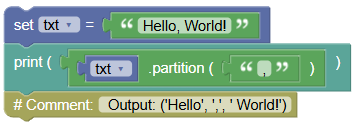
txt = "Hello, World!"
print(txt.partition(","))
# Output: ('Hello', ',', ' World!')
30. replace()
Description: Returns a string where a specified value is replaced with another specified value. Example:
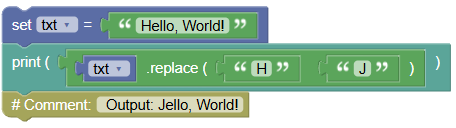
txt = "Hello, World!"
print(txt.replace("H", "J"))
# Output: Jello, World!
31. rfind()
Description: Searches the string for a specified value and returns the last position where it was found. Example:
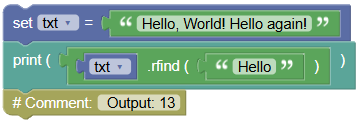
txt = "Hello, World! Hello again!"
print(txt.rfind("Hello"))
# Output: 13
32. rindex()
Description: Searches the string for a specified value and returns the last position where it was found. Example:
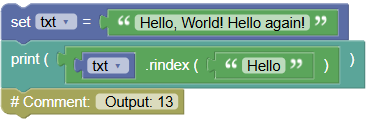
txt = "Hello, World! Hello again!"
print(txt.rindex("Hello"))
# Output: 13
33. rjust()
Description: Returns a right justified version of the string. Example:
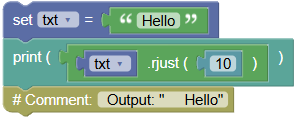
txt = "Hello"
print(txt.rjust(10))
# Output: "     Hello"
34. rpartition()
Description: Returns a tuple where the string is parted into three parts. Example:
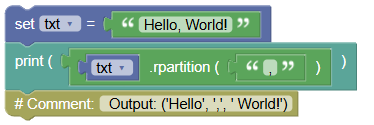
txt = "Hello, World!"
print(txt.rpartition(","))
# Output: ('Hello', ',', ' World!')
35. rsplit()
Description: Splits the string at the specified separator, and returns a list. Example:
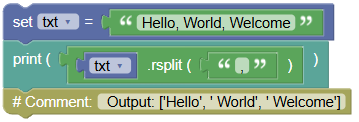
txt = "Hello, World, Welcome"
print(txt.rsplit(","))
# Output: ['Hello', ' World', ' Welcome']
36. rstrip()
Description: Returns a right trim version of the string. Example:
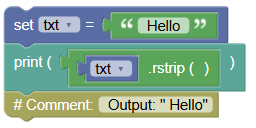
txt = " Hello "
print(txt.rstrip())
# Output: " Hello"
37. split()
Description: Splits the string at the specified separator, and returns a list. Example:
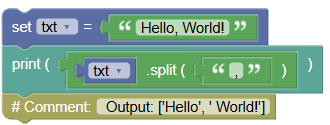
txt = "Hello, World!"
print(txt.split(","))
# Output: ['Hello', ' World!']
38. splitlines()
Description: Splits the string at line breaks and returns a list. Example:
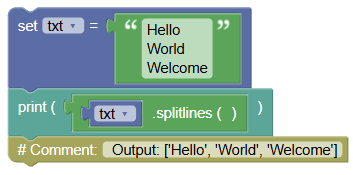
txt = "Hello\nWorld\nWelcome"
print(txt.splitlines())
# Output: ['Hello', 'World', 'Welcome']
39. startswith()
Description: Returns true if the string starts with the specified value. Example:
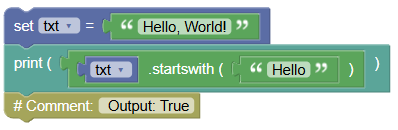
txt = "Hello, World!"
print(txt.startswith("Hello"))
# Output: True
40. strip()
Description: Returns a trimmed version of the string. Example:
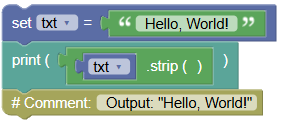
txt = " Hello, World! "
print(txt.strip())
# Output: "Hello, World!"
41. swapcase()
Description: Swaps cases, lower case becomes upper case and vice versa. Example:
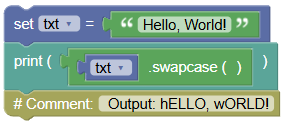
txt = "Hello, World!"
print(txt.swapcase())
# Output: hELLO, wORLD!
42. title()
Description: Converts the first character of each word to upper case. Example:
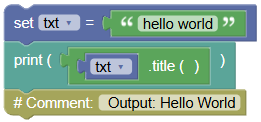
txt = "hello world"
print(txt.title())
# Output: Hello World
43. translate()
Description: Returns a translated string. Example:
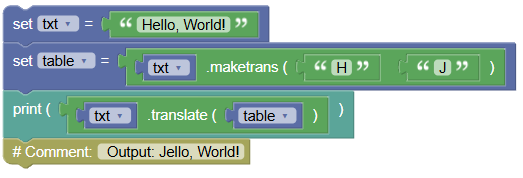
txt = "Hello, World!"
table = txt.maketrans("H", "J")
print(txt.translate(table))
# Output: Jello, World!
44. upper()
Description: Converts a string into upper case. Example:
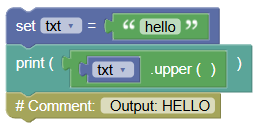
txt = "hello"
print(txt.upper())
# Output: HELLO
45. zfill()
Description: Fills the string with a specified number of 0 values at the beginning. Example:
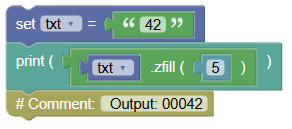
txt = "42"
print(txt.zfill(5))
# Output: 00042
Try It Yourself: Fun Exercises
- Title Your Name:
- Create a string with your full name.
- Use
capitalize()to format your name properly.
- Change the Case:
- Write a sentence in mixed case.
- Use
lower()andupper()to change the case.
- Remove the Spaces:
- Create a string with extra spaces.
- Use
strip()to clean it up.
- Word Swap:
- Create a sentence.
- Use
replace()to change one word.
- Break It Down:
- Write a sentence with commas.
- Use
split()to break it into a list of words.
Summary:
In this Python tutorial, we learned about various string methods you can use to manipulate and explore strings. Each method provides a unique way to handle text, making it easier to format, modify, and analyze strings. Keep experimenting and have fun with string methods in Python!