If OR
Introduction:
- Python supports the usual logical conditions from mathematics:
- Equals:
a == b - Not Equals:
a != b - Less than:
a < b - Less than or equal to:
a <= b - Greater than:
a > b - Greater than or equal to:
a >= b
- Equals:
Combining Conditions with OR:
- The
orkeyword is a logical operator used to combine conditional statements. It returnsTrueif at least one of the conditions is true.
Example:
Test if
ais greater thanb, OR ifais greater thanc: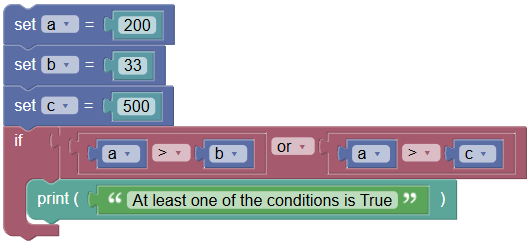 python
a = 200 b = 33 c = 500 if a > b or a > c: print("At least one of the conditions is True")
Python If OR:
- You can combine multiple conditions into a single expression in an
If,If-Else, orElifstatement using theORlogical operator.
Examples:
- Python If with OR Operator in Condition:
Joining two simple boolean conditions to form a compound condition in a Python
Ifstatement.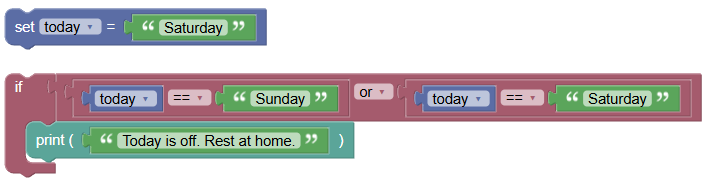
today = 'Saturday'

if today == 'Sunday' or today == 'Saturday':
    print('Today is off. Rest at home.')
Output:
Today is off. Rest at home.
- Python If-Else with OR Operator in Condition:
Combining two basic conditional expressions in a boolean expression in a Python
If-Elsestatement.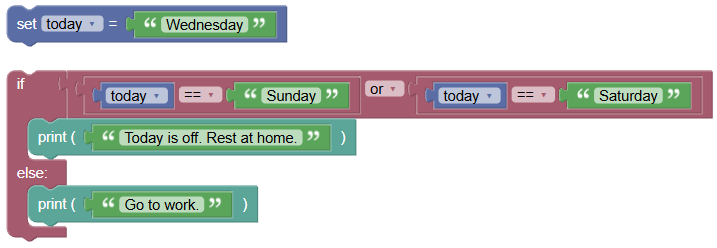 python
today = 'Wednesday' if today == 'Sunday' or today == 'Saturday': print('Today is off. Rest at home.') else: print('Go to work.')Output:
Go to work.
- Python Elif with OR Operator in Condition:
Combining two basic conditional expressions in a boolean expression of a Python
elifstatement.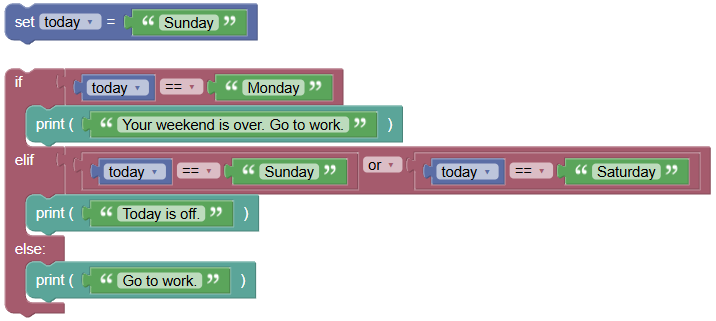 python
today = 'Sunday' if today == 'Monday': print('Your weekend is over. Go to work.') elif today == 'Sunday' or today == 'Saturday': print('Today is off.') else: print('Go to work.')Output:
Today is off.
Exercises:
- If with OR Operator:
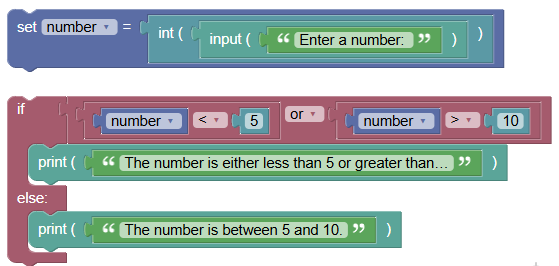
Write a program to check if a number is either less than 5 or greater than 10.
 python
number = int(input("Enter a number: ")) if number < 5 or number > 10: print("The number is either less than 5 or greater than 10.") else: print("The number is between 5 and 10.")
- If-Else with OR Operator:
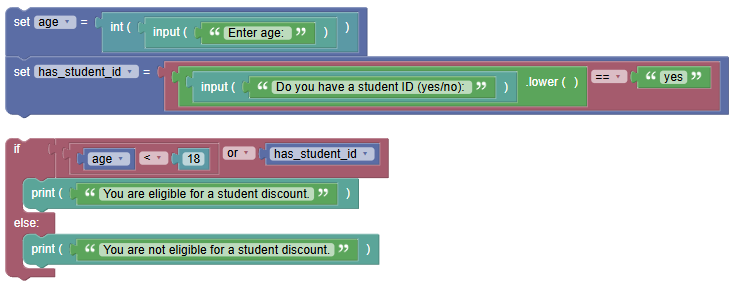
Write a program to check if a user is eligible for a student discount (age less than 18 or has a student ID).
 python
age = int(input("Enter age: ")) has_student_id = input("Do you have a student ID (yes/no): ").lower() == 'yes' if age < 18 or has_student_id: print("You are eligible for a student discount.") else: print("You are not eligible for a student discount.")
Summary:
- In this tutorial, we learned how to use the Python
ORlogical operator inIf,If-Else, andElifconditional statements. Practice using these operators to become proficient in forming compound logical expressions in your programs